


IPTV with Catch Up & Timeshift in Europe 2026
Understanding IPTV with Catch Up and Timeshift
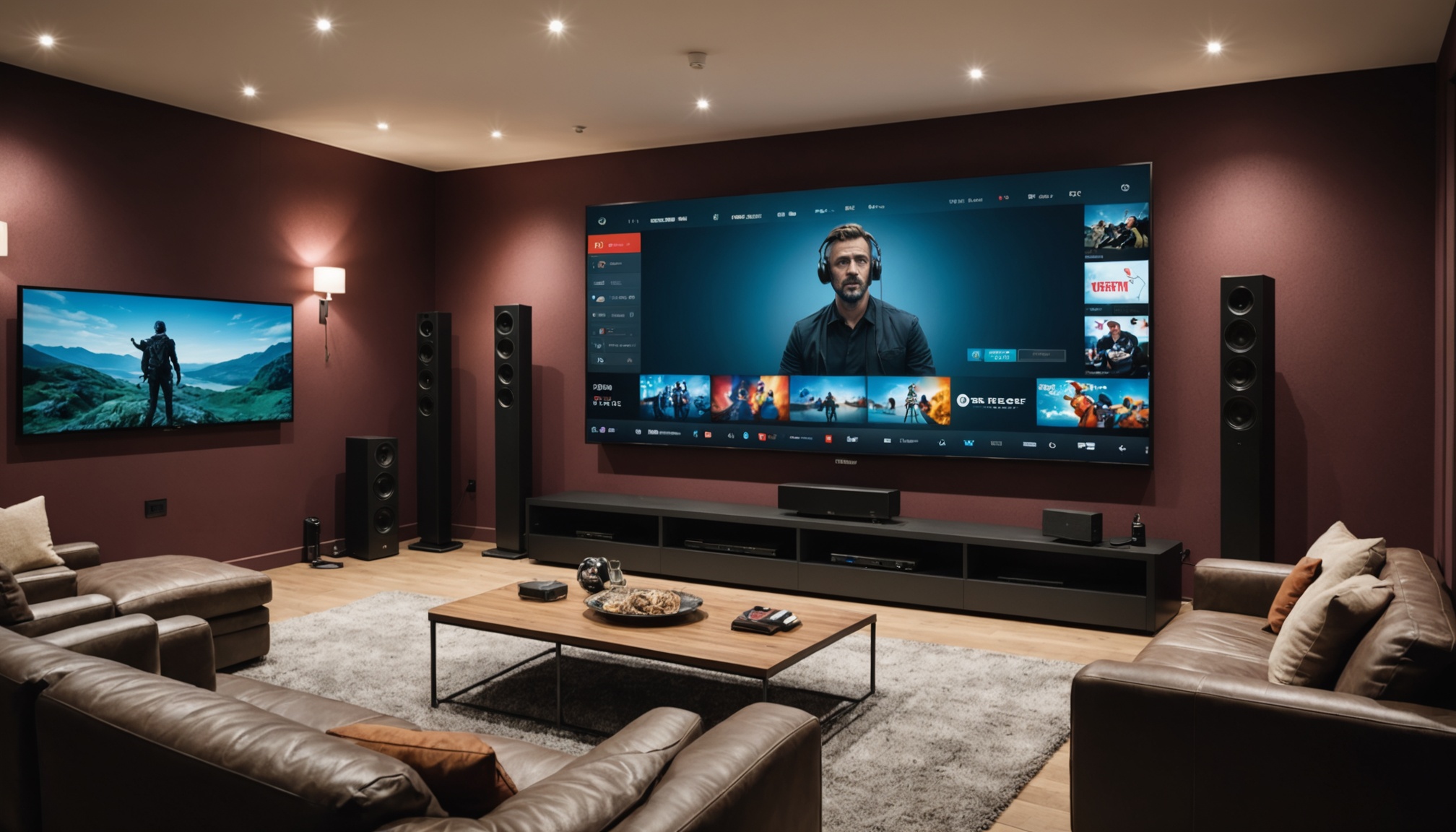
IPTV with catch up and timeshift in Europe is an increasingly popular way to consume television content. But what exactly does this mean? Essentially, IPTV stands for Internet Protocol Television, a method of delivering television content over the internet rather than through traditional terrestrial, satellite, or cable formats. The addition of catch up and timeshift features significantly enhances the viewing experience by offering more flexibility and control over how you watch TV.
What is IPTV?
IPTV is a technology that allows you to stream television programs directly over the internet. In my experience, this means you can watch live TV channels, access on-demand content, and enjoy features like interactive TV. One thing that sets IPTV apart from traditional broadcasting methods is its reliance on a broadband connection, which can offer greater content variety and the ability to watch on multiple devices.
How does Catch Up work?
Catch up TV is a feature that lets you access and watch programs that were broadcast up to seven days ago. It’s perfect for those moments when you miss an episode of your favorite show. The way it works is pretty straightforward: the IPTV service records the broadcast and makes it available to you for a set period, usually a week. This is a real game-changer for busy folks who can't always watch live TV.
What is Timeshift?
Timeshift allows you to pause, rewind, or fast-forward live TV. Think of it like having a DVR functionality built into your service. This means if you get distracted during a live broadcast, you can pause and then resume watching without missing a thing. In practice, timeshift is incredibly useful during sports events or live shows where you might want to rewatch a great moment or skip a commercial break.
Technical Requirements for IPTV in Europe
Setting up IPTV with catch up and timeshift in Europe requires some technical prerequisites to ensure smooth operation. These include compatible devices, sufficient internet speed, and support for specific codecs and bitrates.
Compatible Devices
First off, you'll need a device that's compatible with IPTV services. This could be a smart TV, a set-top box, a smartphone, or a tablet. Make sure your device supports the necessary apps and codecs required by the IPTV service. For example, many services require H.264 or H.265 codecs to stream efficiently. Older devices might struggle with newer codecs, so check compatibility before you buy.
Internet Speed and Bandwidth
For a decent IPTV experience, especially with features like catch up and timeshift, you'll need a solid internet connection. I recommend at least 10 Mbps for standard-definition content, but if you're aiming for HD or even 4K streams, consider bumping that up to 25 Mbps or more. Remember, this is per device, so if you have multiple people streaming in your household, you'll need to factor that in.
Supported Codecs and Bitrates
IPTV services often use specific codecs like H.264, H.265, or even older ones like MPEG-2, depending on the service's requirements. The bitrate also plays a crucial role in determining the quality of the stream and your device's ability to handle it. Ensure your device can support these formats for optimal performance. A bitrate of 3-5 Mbps is typical for HD content, but 4K streams might require upwards of 15 Mbps.
Setting Up IPTV with Catch Up and Timeshift
Setting up IPTV with catch up and timeshift in Europe involves selecting the right service, installing the necessary apps, and troubleshooting common issues. Here's how you can get started.
Choosing the Right IPTV Service
When choosing an IPTV service, look for one that offers robust catch up and timeshift features. Check user reviews and forums to gauge service quality and reliability. Also, make sure the service supports your preferred devices and offers the channels and content you want. Pricing varies, but expect to pay between €10 and €30 per month, depending on the package.
Installation and Configuration
Once you've chosen a service, installation usually involves downloading an app on your device. Most services provide detailed instructions, but generally, you'll need to log in with your account details and configure your network settings. Make sure your device is connected to the internet via Wi-Fi or Ethernet for the best performance.
Troubleshooting Common Issues
Buffering and connectivity issues are common with IPTV. If you experience buffering, check your internet speed and reduce network load by limiting other high-bandwidth activities. Adjusting the streaming quality settings within the app can also help. If you're having trouble with catch up or timeshift features, ensure your service subscription includes these options and that your device's software is up to date.
Legal Considerations for IPTV in Europe
IPTV services in Europe are subject to legal regulations, focusing on licensing and content rights. It's crucial to use legal services to avoid any potential legal issues.
Understanding Licensing
Licensing is a key aspect of IPTV services. Legitimate IPTV providers have agreements with content owners to distribute their shows and channels legally. Before subscribing, check that the service is licensed to operate in your country. This protects you from legal repercussions and ensures content reliability.
Avoiding Copyright Infringement
Using unlicensed IPTV services can lead to copyright infringement issues. These services may offer channels illegally, putting you at risk. Always choose a service that operates legally and respects copyright laws. It might be tempting to go for cheaper, unlicensed options, but the risks outweigh the savings.
Legal IPTV Providers
Legal IPTV providers in Europe are compliant with regional regulations and have the necessary licenses to broadcast content. They usually offer customer support, reliable service, and ensure high-quality streams. Look for providers that are transparent about their licensing and have a good reputation among users.
What is the difference between catch up and timeshift?
Catch up allows you to view past broadcasts, typically up to seven days old. Timeshift lets you pause, rewind, or fast-forward live TV, offering more control over your viewing experience.
What internet speed do I need for IPTV?
A minimum of 10 Mbps is recommended for standard definition content. For HD or 4K, you'll need at least 25 Mbps, especially if multiple devices are connected.
Can I use any device for IPTV?
Ensure your device supports the necessary codecs and has compatible apps. Check the service's requirements before setting up.
Is IPTV legal in Europe?
Yes, if you use a service that has proper licensing agreements. Always choose legitimate providers to avoid legal issues.
How do I troubleshoot buffering issues?
Check your internet connection, reduce network load, or adjust the streaming quality in your app settings. Ensuring your device's software is up to date can also help.