


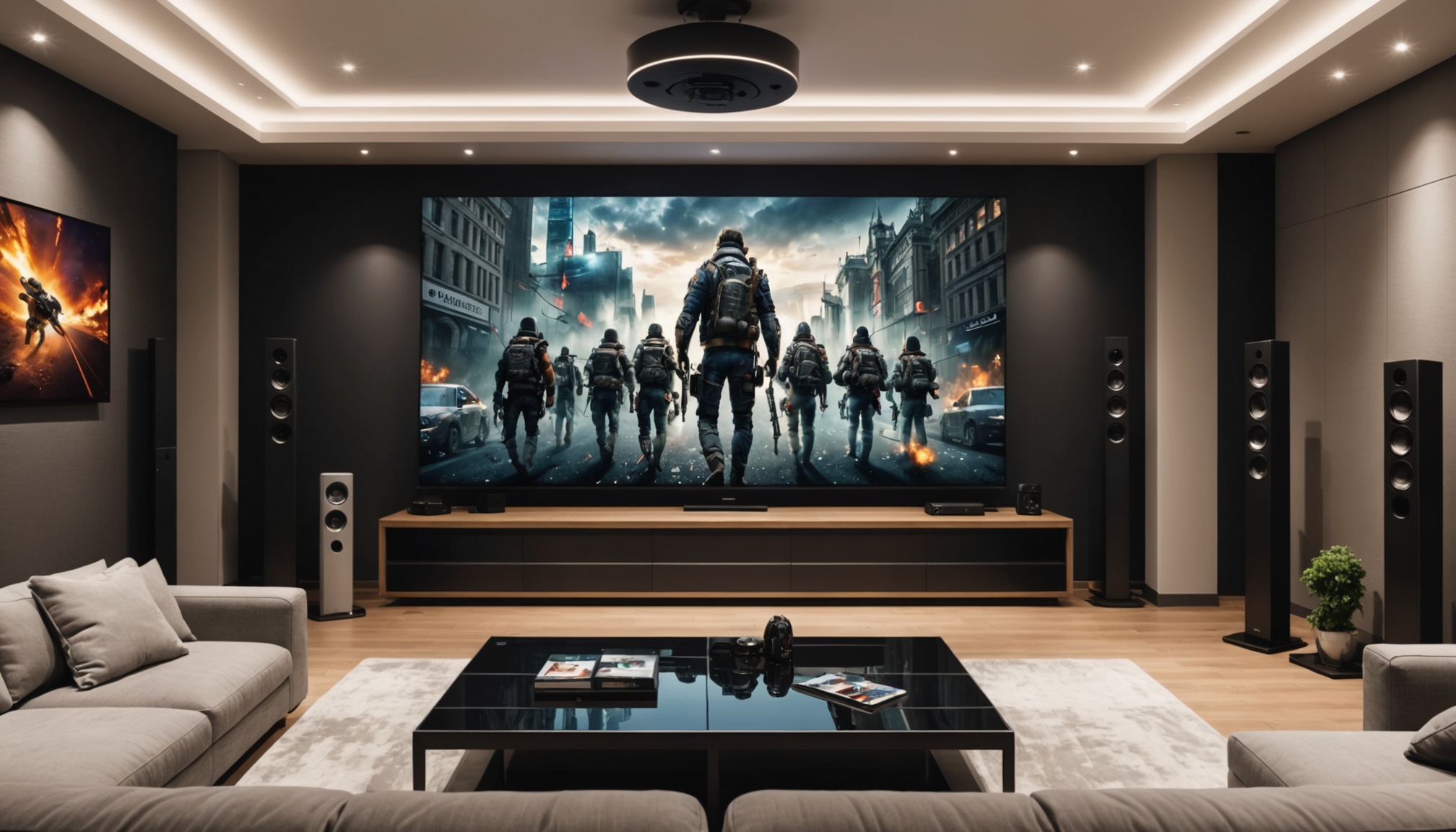
IPTV Multiroom Setup in Europe 2026
Understanding IPTV Multiroom Technology
What is IPTV Multiroom?
IPTV multiroom allows you to stream television content over an IP network to multiple rooms in your home, making it possible to watch different channels on different devices simultaneously. This setup is becoming increasingly popular in Europe as it offers flexibility and convenience compared to traditional cable TV. The key to a successful IPTV multiroom europe setup is having a solid understanding of the technology involved.
Key Protocols and Codecs
To get started, you'll need to be familiar with certain protocols and codecs. Internet Group Management Protocol (IGMP) is a vital part of IPTV multiroom setups as it helps manage the membership of IP multicast groups. For video compression, H.265 (also known as HEVC) is widely used because it offers better compression rates, which means less bandwidth usage while maintaining high-quality video.
Device Compatibility
Before diving into the technical setup, ensure your devices are compatible. Smart TVs, set-top boxes, and media players are commonly used in IPTV setups. Most modern smart TVs come with built-in support for IPTV apps, but older models might require a set-top box. It's essential to check the specifications of your devices to ensure they can handle the protocols and codecs needed for your IPTV multiroom europe setup.
Setting Up IPTV Multiroom in Europe
Choosing the Right Equipment
The first step in setting up IPTV multiroom is selecting the right equipment. You'll need a robust router that supports IGMP snooping to manage multicast traffic efficiently. Additionally, consider investing in quality set-top boxes or media players for each room. Devices like the NVIDIA Shield or Apple TV are popular choices due to their reliability and performance.
Network Configuration
Configuring your home network is crucial for a seamless IPTV experience. Start by enabling IGMP snooping on your router to optimize multicast traffic. Ensure that your network is operating on a 5GHz band if possible, as this frequency is less crowded and provides better performance for streaming. Assign static IPs to your devices to prevent IP conflicts, which can cause connectivity issues.
Software Installation
Once your equipment and network are set up, it's time to install the necessary software. Most IPTV services provide their own apps, which you can install on your smart TV or set-top box. If your provider doesn't have a dedicated app, third-party apps like VLC or Kodi can be used as alternatives. Remember to configure the apps with the correct server settings provided by your IPTV service.
Troubleshooting Common Issues
Connectivity Problems
Connectivity issues are a common hurdle in IPTV multiroom setups. If you're experiencing frequent disconnections, check your network settings for any misconfigurations. Ensure that IGMP snooping is enabled and that your devices are connected to the correct network band. If problems persist, consider upgrading your router or checking for firmware updates.
Picture Quality Issues
Poor picture quality can ruin your viewing experience. This is often caused by insufficient bandwidth. In my experience, a minimum of 5 Mbps per stream is necessary for SD quality, while HD streams require at least 10 Mbps. If your network meets these requirements and issues persist, try adjusting the video settings in your IPTV app to a lower resolution.
Device Compatibility Errors
Compatibility errors can be frustrating, especially if you're using older devices. Check for firmware updates as manufacturers often release patches to improve compatibility with new protocols. If your device is too old, it might be time to consider an upgrade to ensure it supports the latest technologies needed for a successful IPTV multiroom europe setup.
Enhancing Your IPTV Multiroom Experience
Optimizing Network Performance
To get the most out of your IPTV setup, optimizing your network is essential. Use wired connections where possible, as they offer more stability compared to wireless. If Ethernet cabling isn't practical, consider using powerline adapters to extend your network's reach without the hassle of running cables through your home.
Selecting the Best Channels
Choosing the right channel package can enhance your IPTV experience. Look for providers that offer a diverse range of channels and consider your household's viewing preferences. Some services allow you to customize your package, ensuring you're not paying for channels you don't watch.
Future-Proofing Your Setup
Technology evolves rapidly, so it's wise to future-proof your IPTV setup. When purchasing new devices, look for features like 4K support and compatibility with the latest codecs. Additionally, keep an eye on your IPTV provider's updates and upgrades, ensuring your setup remains compatible with their service.
What equipment do I need for IPTV multiroom?
You'll need a capable router with IGMP snooping, set-top boxes or smart TVs for each room, and a stable internet connection. Ensure all devices support the necessary protocols and codecs.
How do I configure my network for multiroom IPTV?
Enable IGMP snooping on your router, use the 5GHz band for better performance, and assign static IPs to your devices to avoid conflicts.
Can I use different devices in different rooms?
Yes, as long as each device is compatible with your IPTV service. Check each device's specifications to ensure they support the required protocols and codecs.
What if my IPTV service is buffering?
Check your internet speed and network configuration. Ensure devices are using a 5GHz band and try reducing the stream quality to improve performance.
Is there a limit to how many rooms I can set up?
The limit is usually determined by your network's capacity and your IPTV provider's policies. Most home networks should handle multiple streams, but check with your provider for specific limitations.