


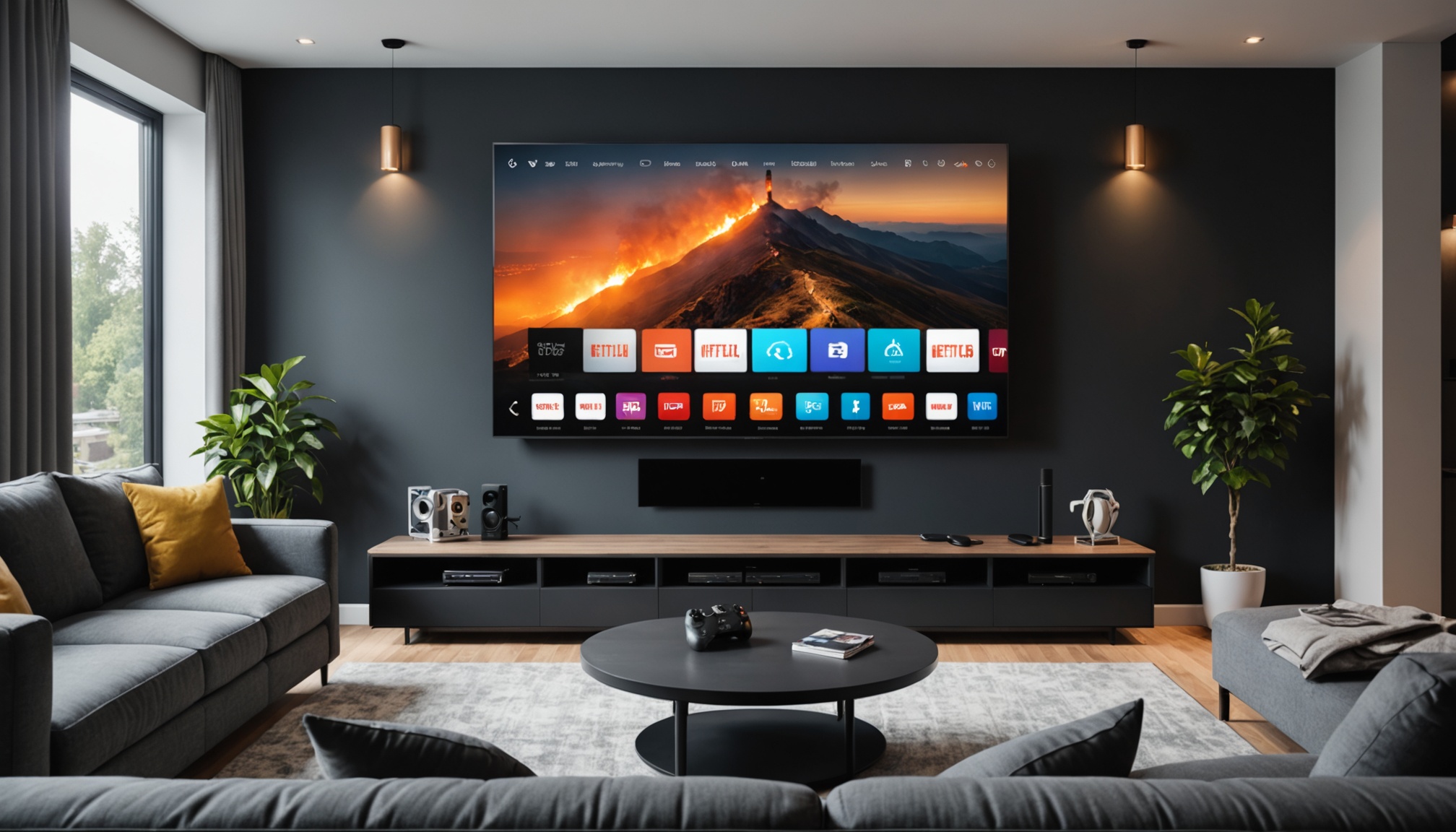
IPTV Setup on Fire TV Stick in Europe 2026
Understanding IPTV and Fire TV Stick
What is IPTV?
If you're not familiar, IPTV stands for Internet Protocol Television. It's a way to stream TV channels and videos through the internet rather than traditional cable or satellite. Think of it like Netflix or Amazon Prime, but for live TV. IPTV uses protocols like HLS (HTTP Live Streaming) and MPEG-DASH to deliver content. In Europe, this method of watching TV is gaining traction due to its flexibility and variety of channels.
Features of Fire TV Stick
The Amazon Fire TV Stick is a compact device that plugs directly into your TV's HDMI port. It's basically a way to turn your regular TV into a smart TV. The Fire TV Stick supports 1080p HD video, and newer models like the Fire TV Stick 4K Max even support 4K streaming. With a solid Wi-Fi connection, you can access apps, games, and an array of streaming services, including IPTV.
Setting Up IPTV on Fire TV Stick
Installing IPTV Apps
To start your IPTV Fire TV Stick setup in Europe, you'll first need the right apps. Go to the Amazon Appstore on your Fire TV Stick. Search for IPTV apps — there are several options. Make sure to check the app's compatibility with your Fire TV Stick version.
Configuring Settings
Once installed, open the IPTV app. You'll likely need to input a playlist URL or M3U file provided by your IPTV service. This is where you get access to your channels. Navigate to 'Settings' in the app and enter the necessary information. Make sure your Fire TV Stick's time zone is set correctly to avoid any scheduling issues with live broadcasts.
Choosing the Right IPTV Service
Evaluating Channel Selection
When choosing an IPTV service, the variety and quality of channels are key. Check if the service offers channels that interest you, whether they are local European channels, sports networks, or specific movie channels. Look for services that update their channel lists regularly.
Understanding Bitrates and Codecs
Bitrate affects the video quality and streaming smoothness. Higher bitrates mean better quality but require more bandwidth. Ensure your internet connection can handle it. Codecs like H.264 and H.265 are common and efficient for compressing video to stream on IPTV, so check if your service uses these codecs.
Troubleshooting Common Issues
Connectivity Problems
Connectivity issues are common with IPTV. First, check your internet connection. The Fire TV Stick needs a stable connection to stream IPTV smoothly. If you're experiencing drops, try moving your router closer or using an Ethernet adapter for a wired connection.
Playback Issues
If playback stutters or buffers, it might be due to network congestion or device limitations. Lower the stream quality in the app settings to see if that helps. Also, ensure your Fire TV Stick has the latest firmware update, as older versions might struggle with newer apps.
What is the best IPTV app for Fire TV Stick?
Look for an app that supports multiple protocols and offers an easy-to-navigate interface. Compatibility with the latest Fire TV Stick models is a plus. Some apps also offer cloud DVR and EPG features.
How do I update IPTV apps on Fire TV Stick?
To update, go to 'Settings' > 'Applications' > 'Manage Installed Applications' on your Fire TV Stick. Select the IPTV app and check for updates. If an update is available, proceed with the installation.
Are there legal considerations for using IPTV in Europe?
Yes, ensure your IPTV service is licensed and compliant with local regulations in Europe. Using unlicensed services can lead to legal issues.
Can I use a VPN with IPTV on Fire TV Stick?
Using a VPN can help protect your privacy and may improve access to geo-restricted content. However, always ensure your VPN use complies with local laws and your IPTV service's terms of service.
What should I do if my IPTV service is buffering?
First, check your internet speed. A minimum of 10 Mbps is recommended for HD streaming. Restart your router and device, and if issues persist, contact your IPTV service provider to check if they are experiencing outages.